AI for the art room, not the gallery
Create. Anticipate.
The student isn't just typing a prompt into an AI generator — they are the artist. They create the character and the setting, the teacher chooses an art style, and AI is the tool that merges the students' artwork together.
Free to start · No student accounts · Built for Chromebook
Person
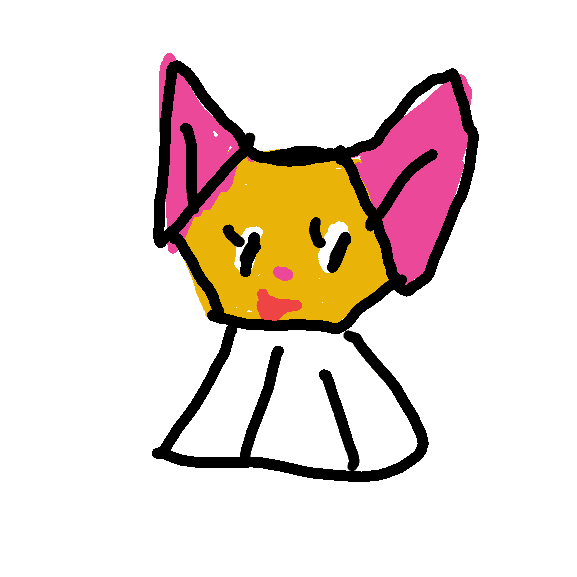
Place
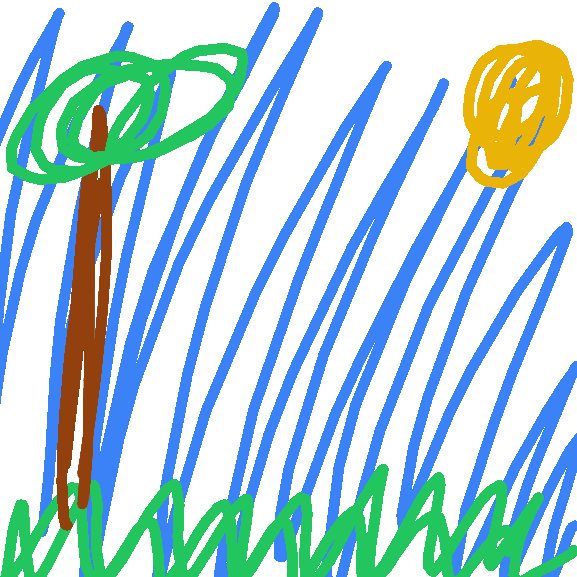
Style
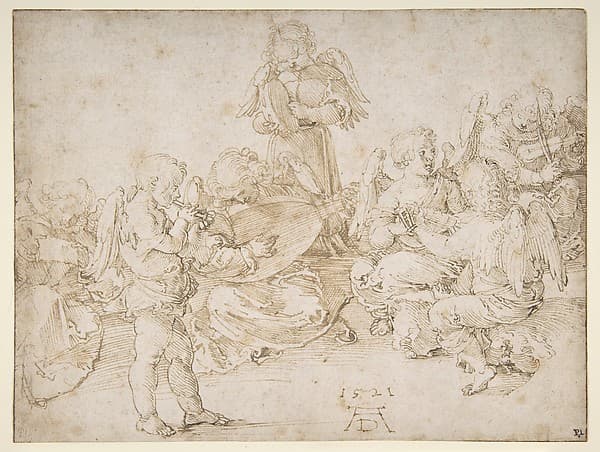
Pen & Ink
Their artwork
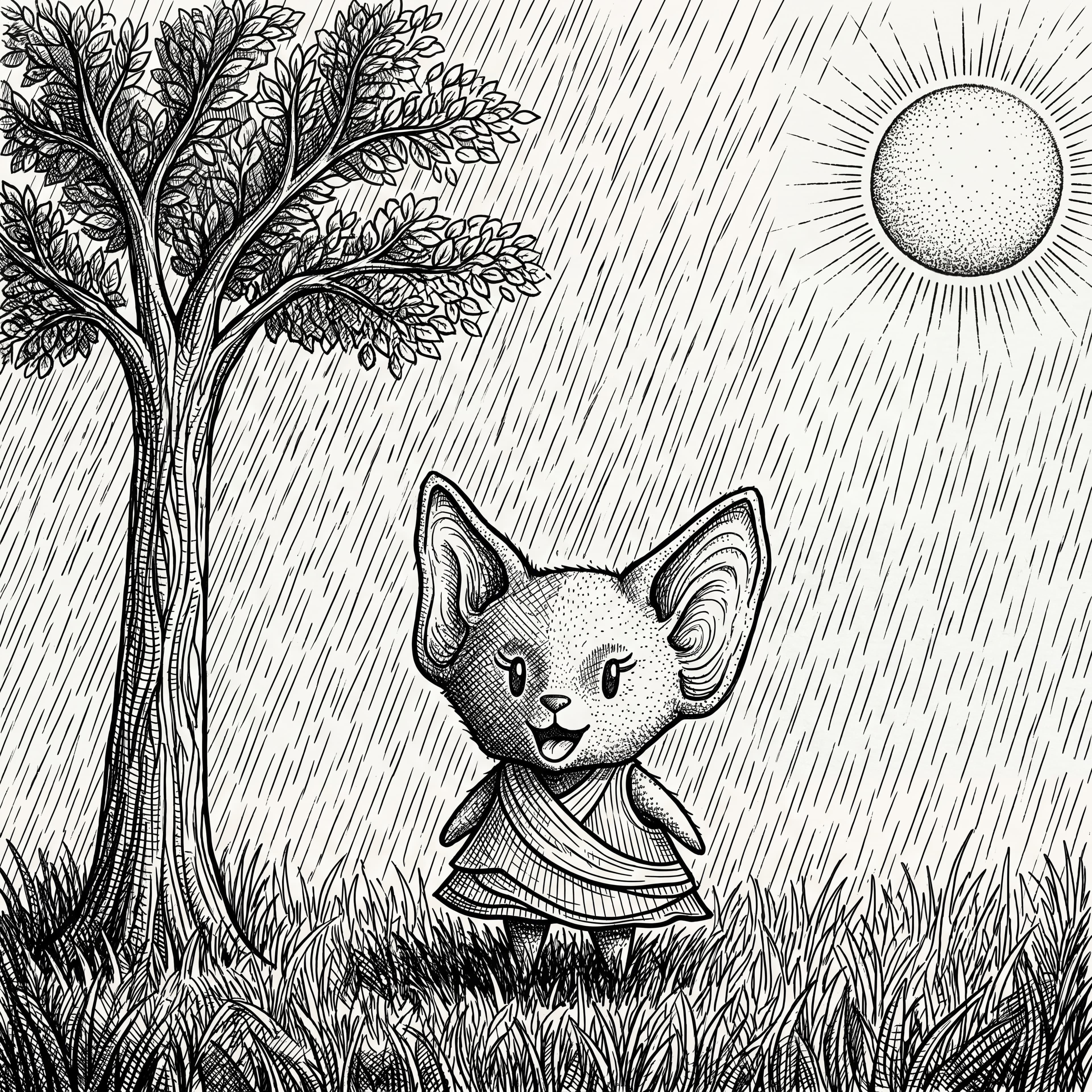
Scraps in a lovely day
Partner classroom · 2026
Class Story
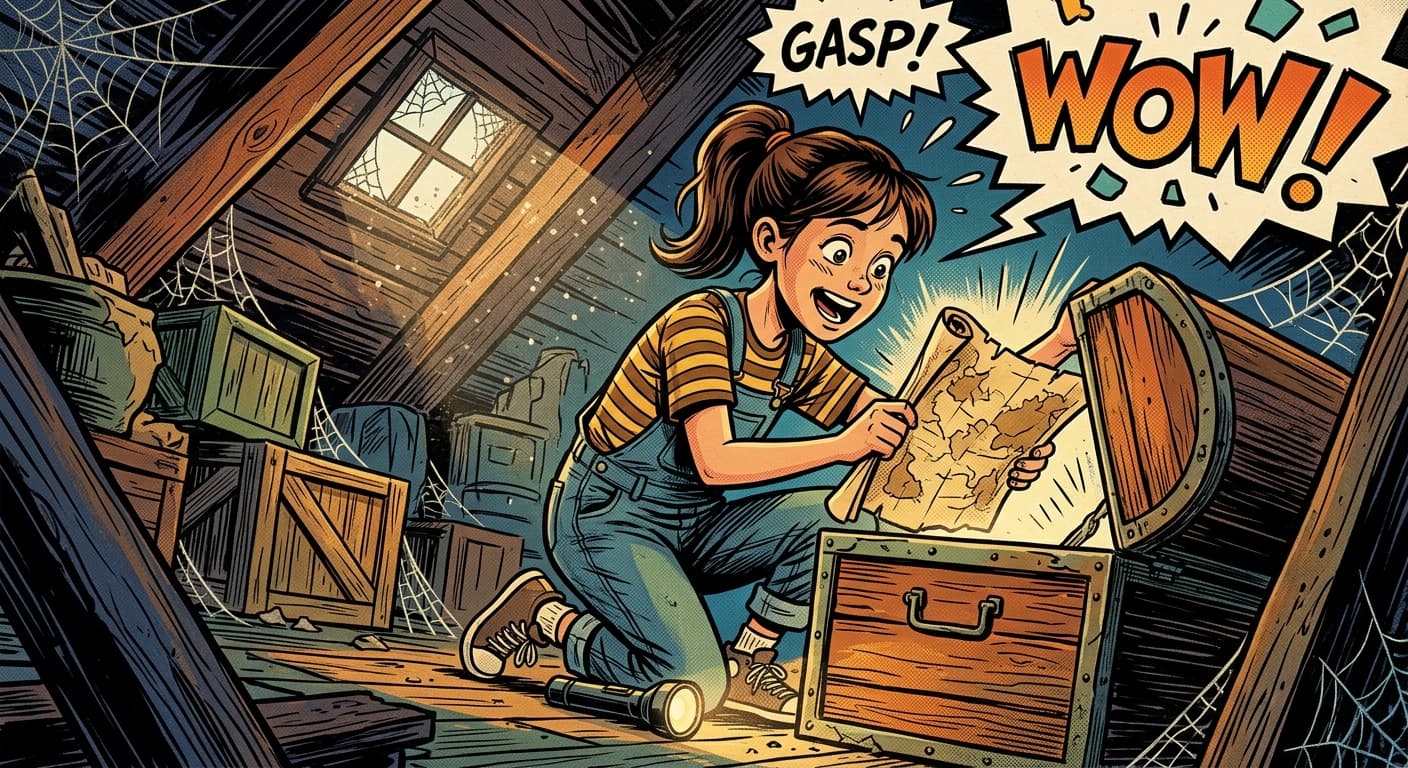
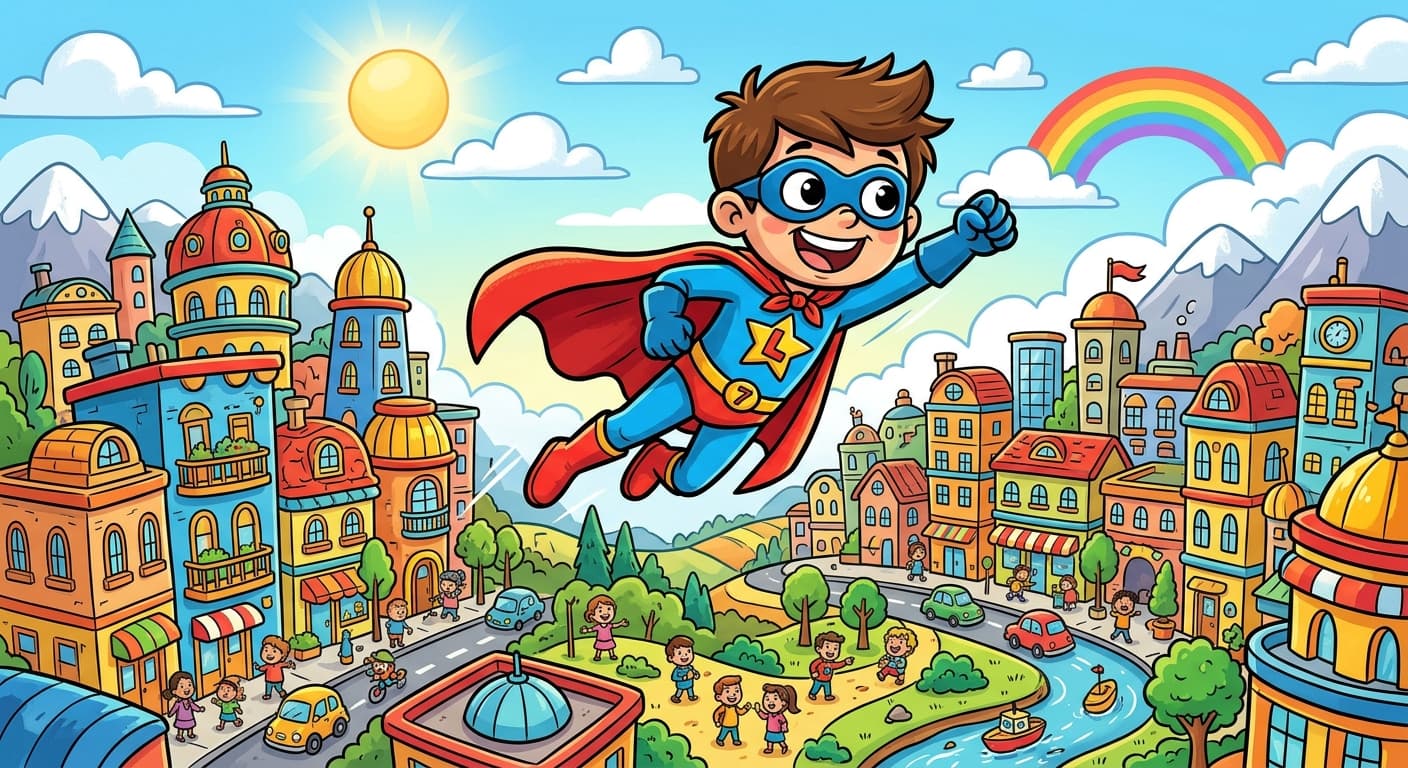
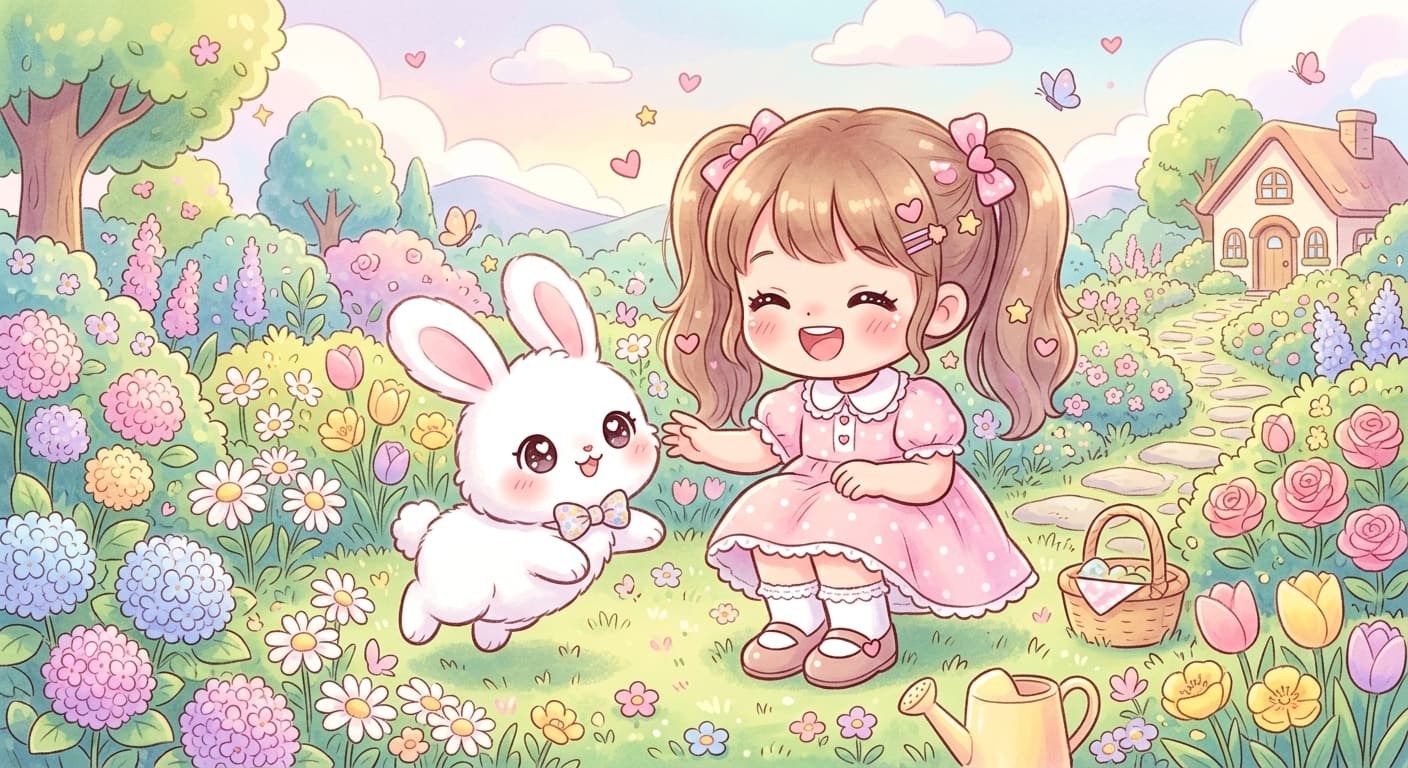
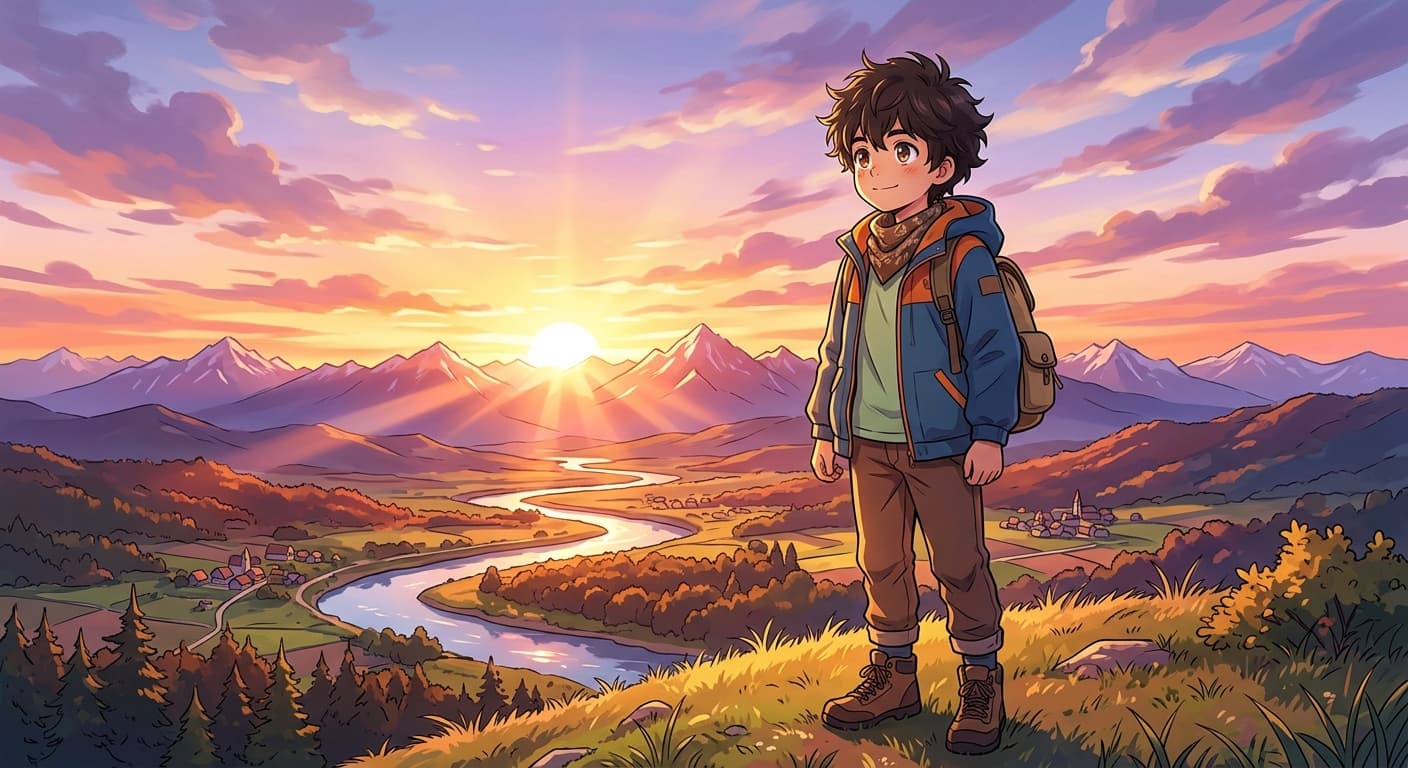
Everyone paints a scene — one storybook.
Real work, real classroom
Featured artwork from art class.
See what students are creating with Trazo.
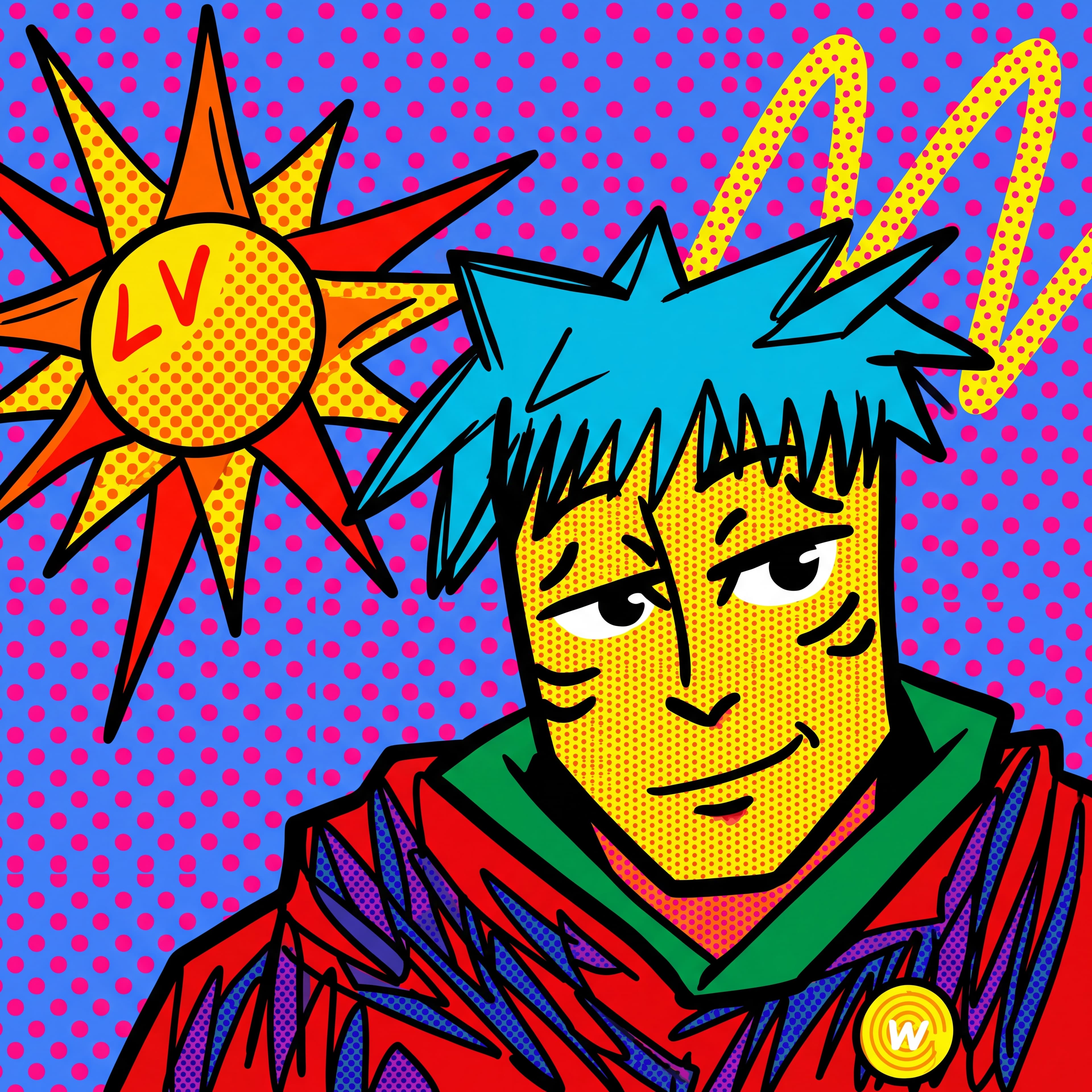
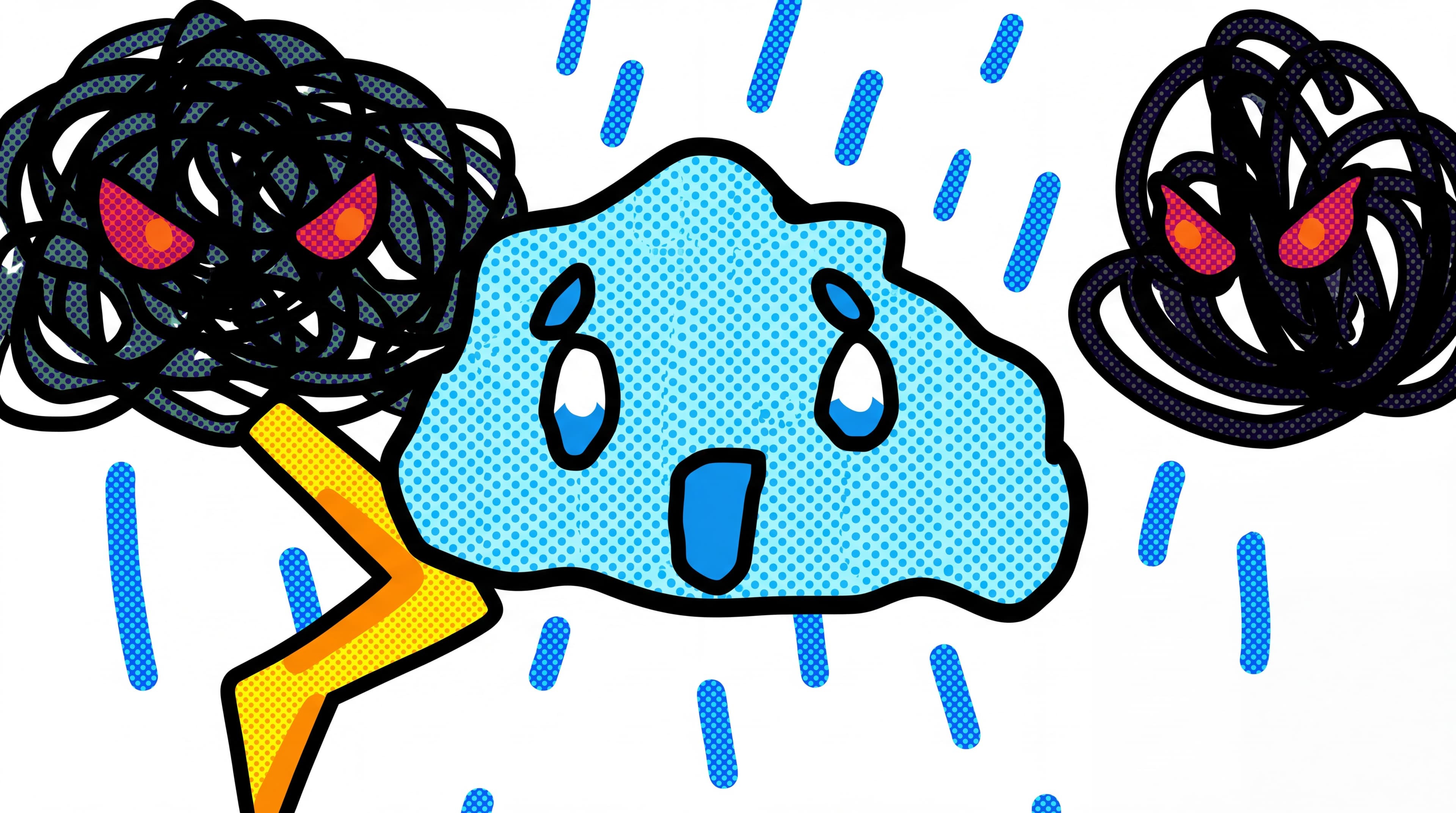

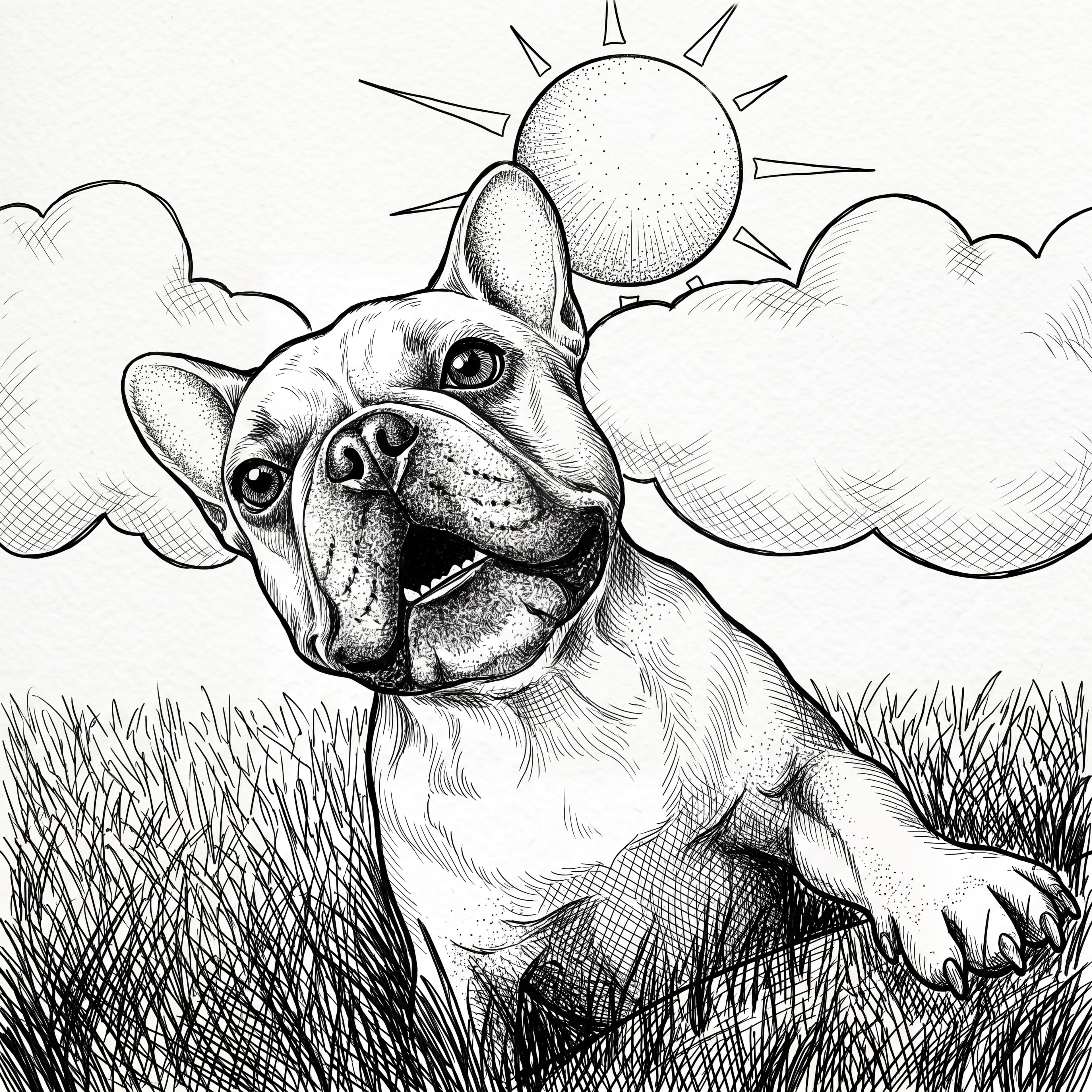
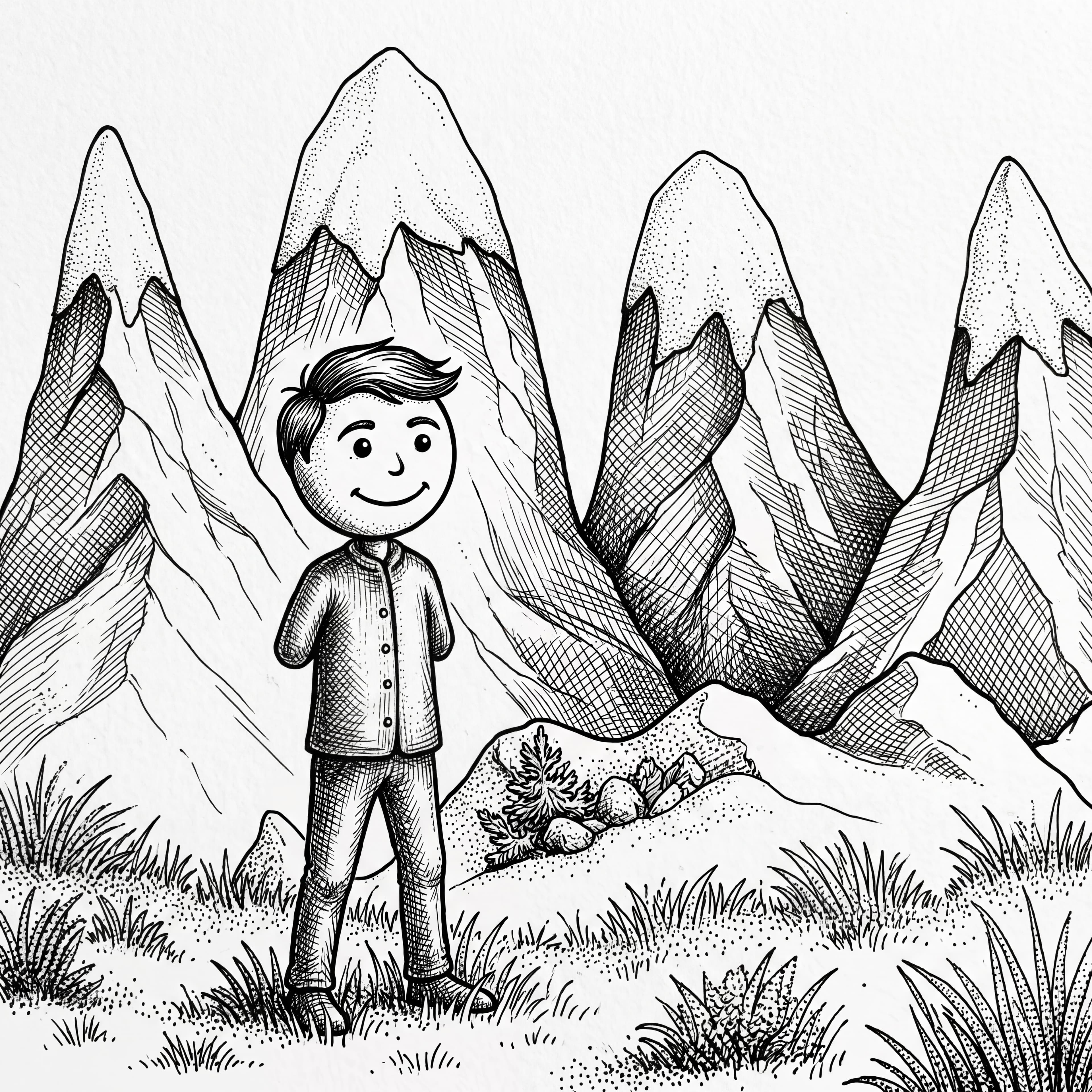
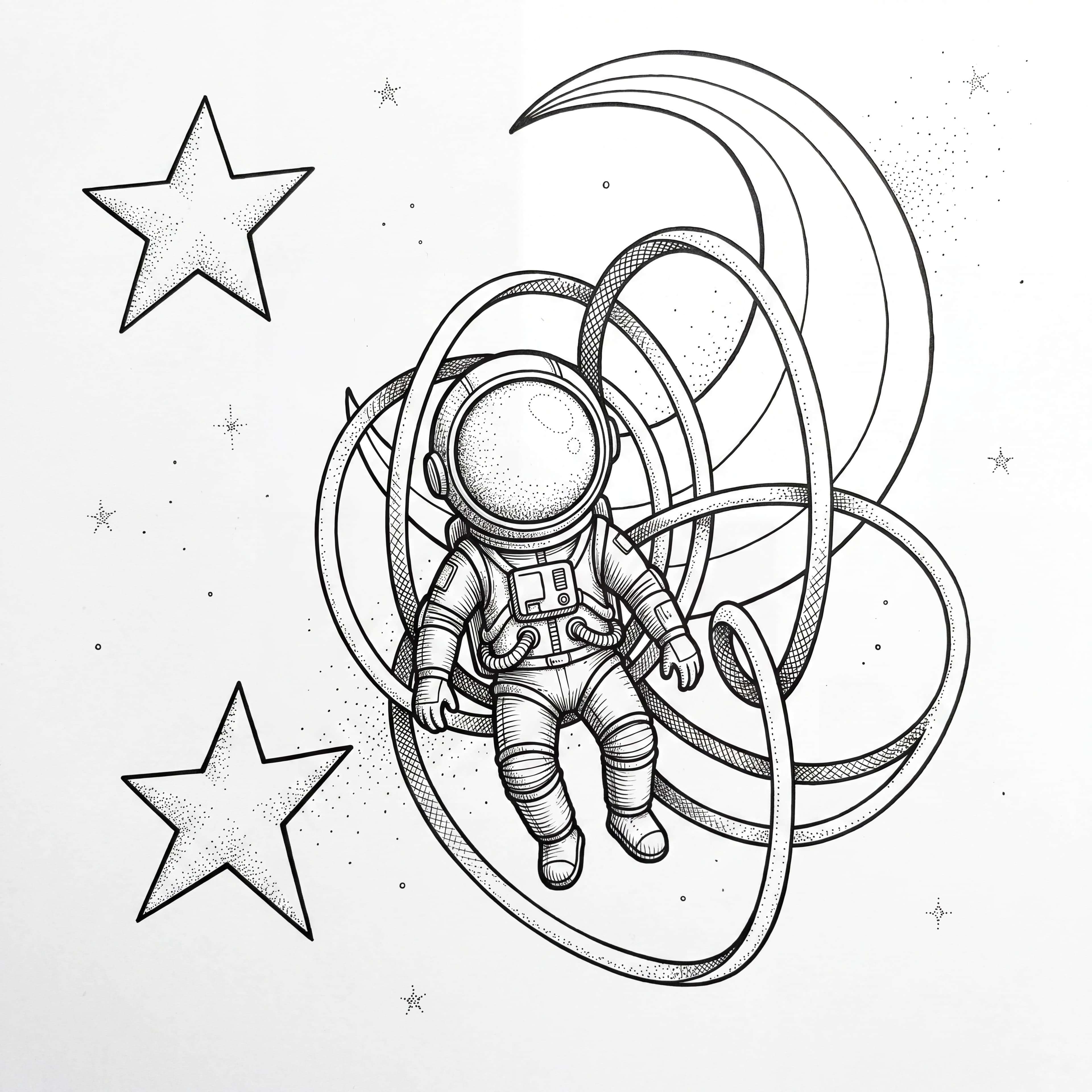
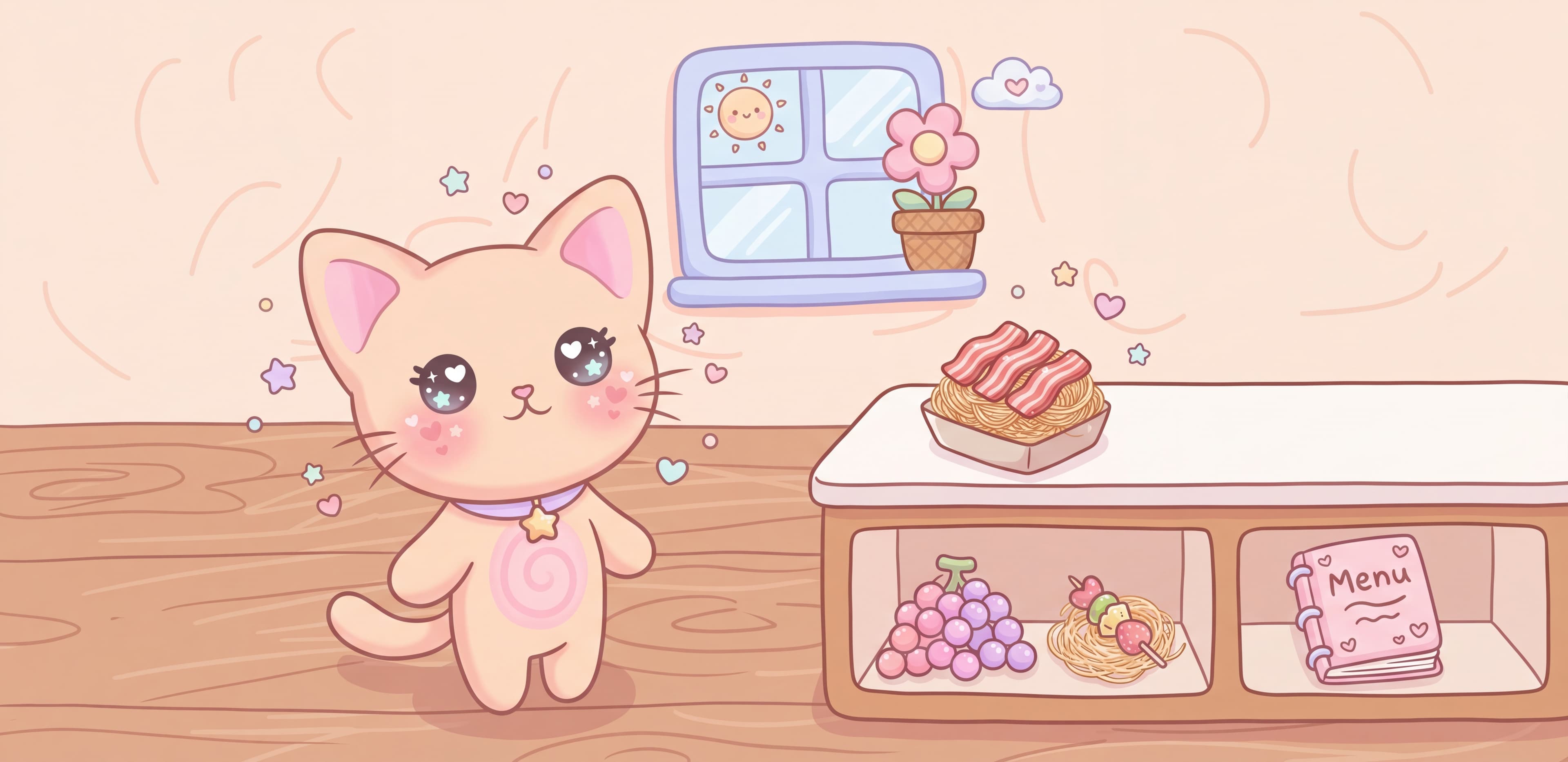
Partner classroom · May 2026 · Used with permission.
25 styles.One tap.
Pick a style, and every student's drawing comes to life in it — with the teaching notes you need.
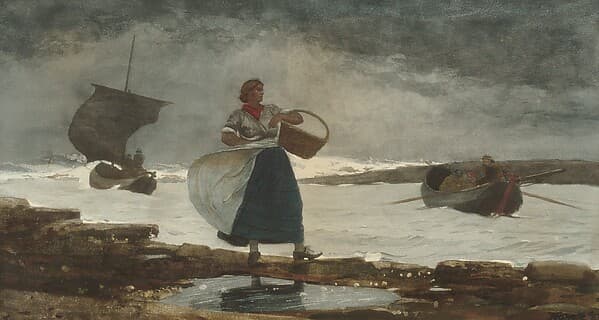 watercoloranime
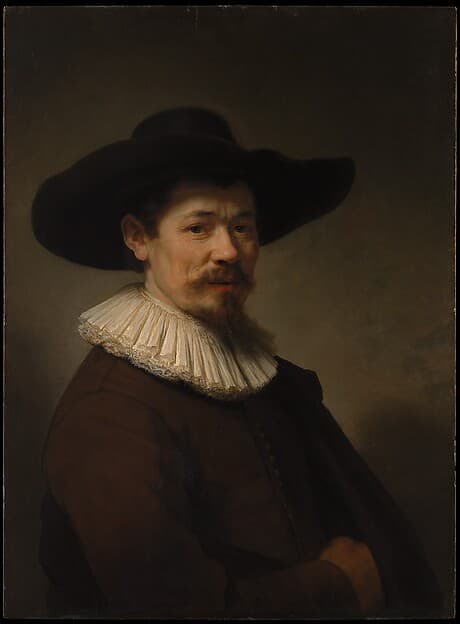 oil painting
 pop art
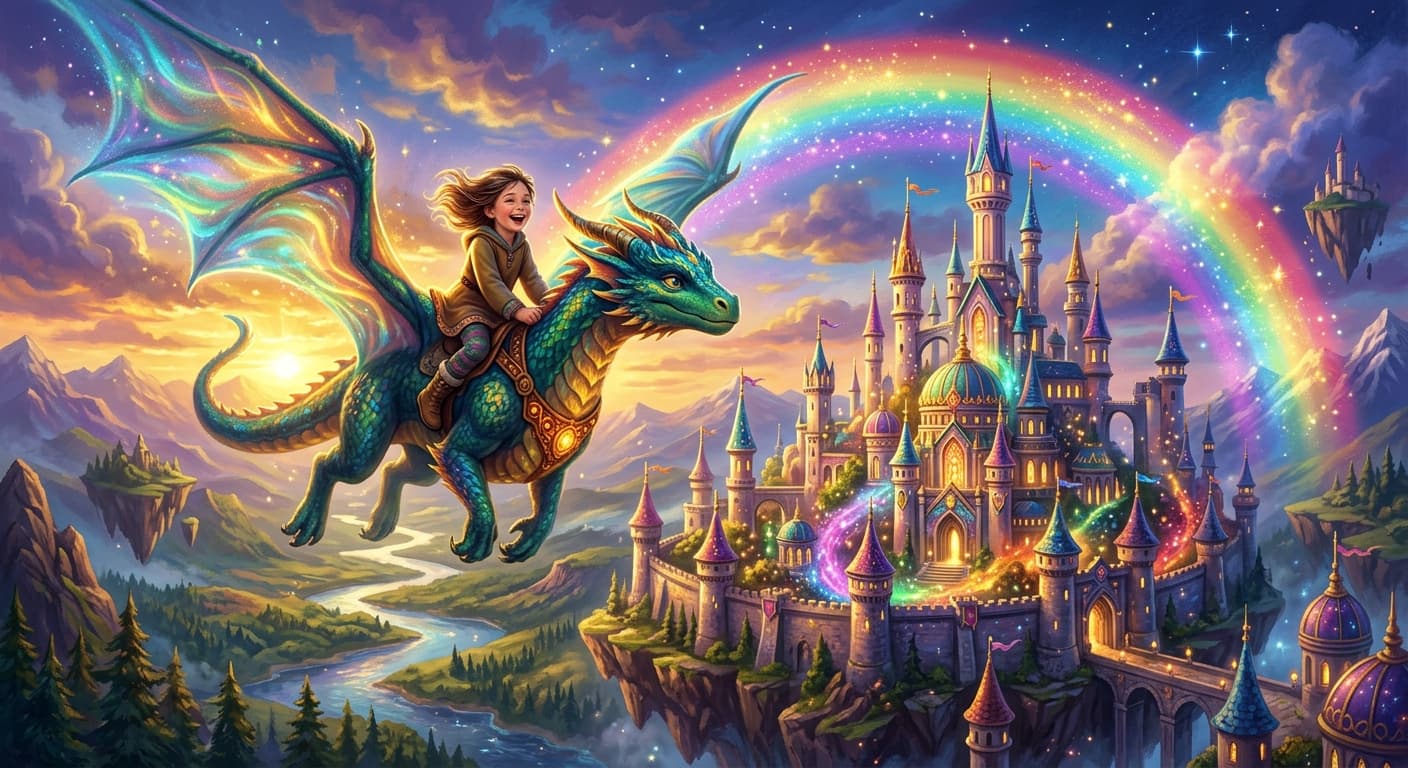 fantasycartoon
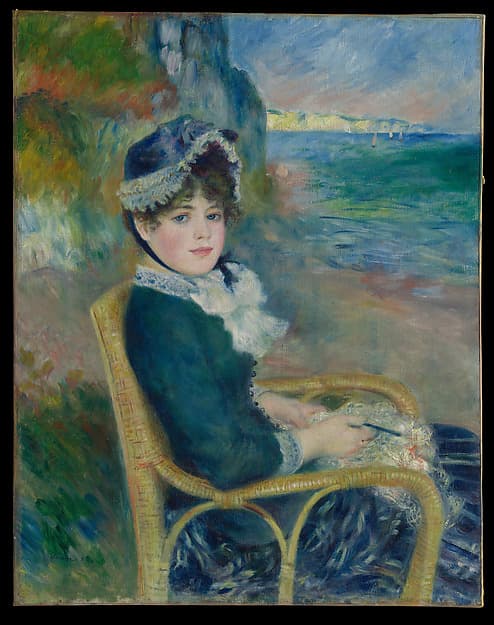 impressionism
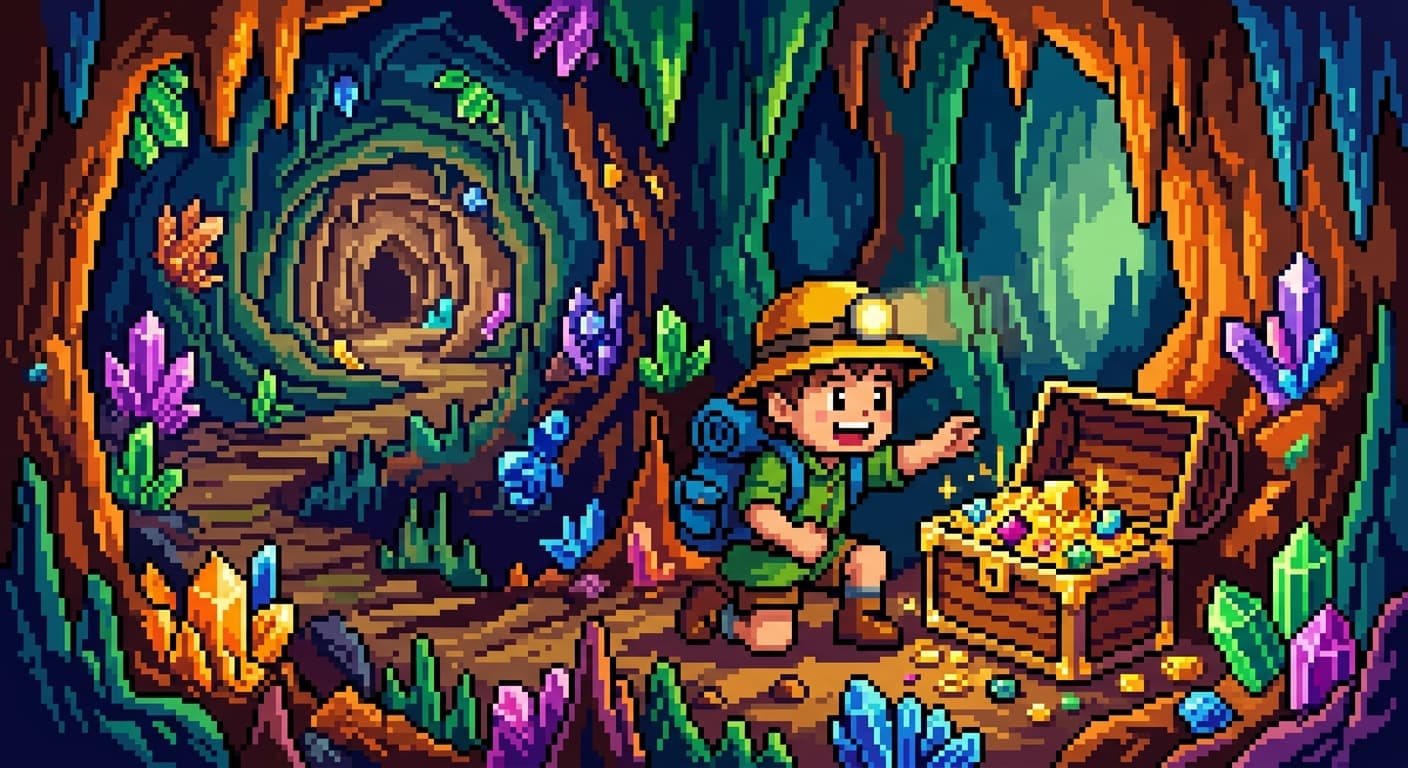 pixel art
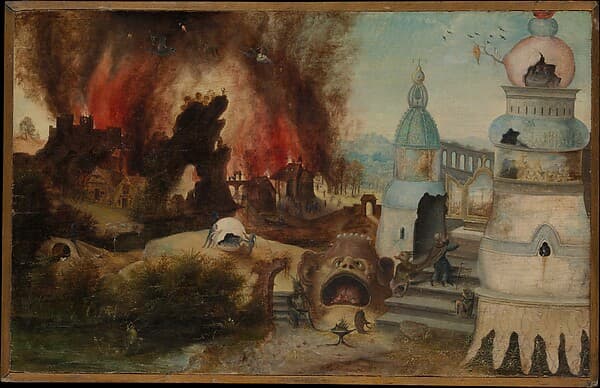 surrealism
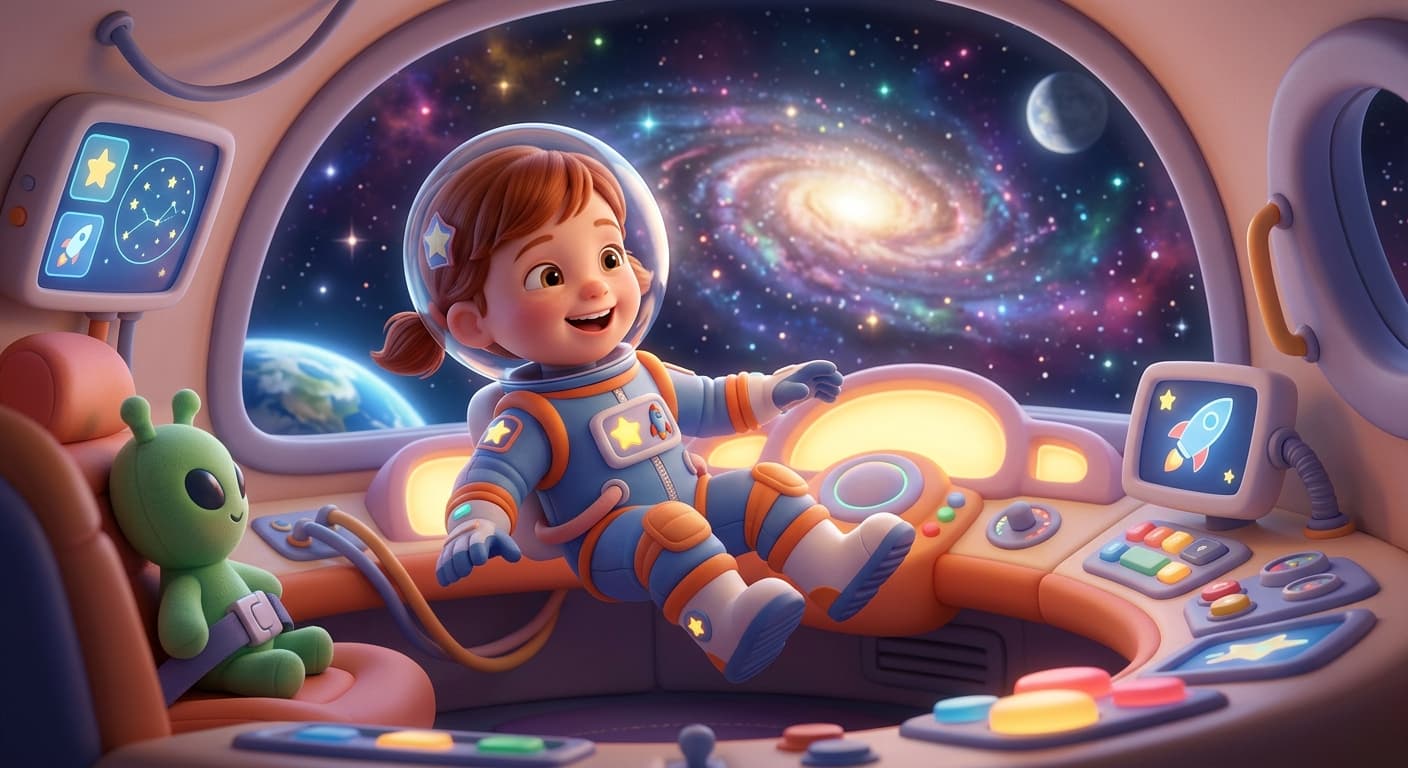 3d
3d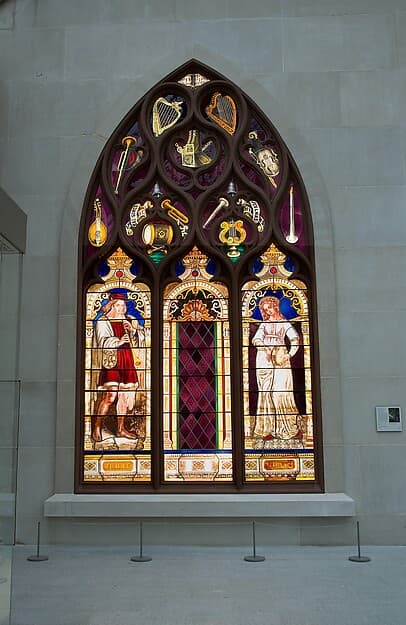 stained glasscomic style
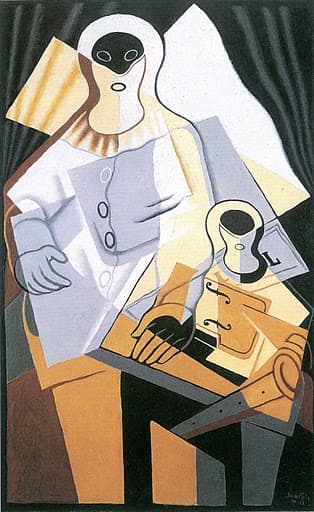 cubismcute kawaii
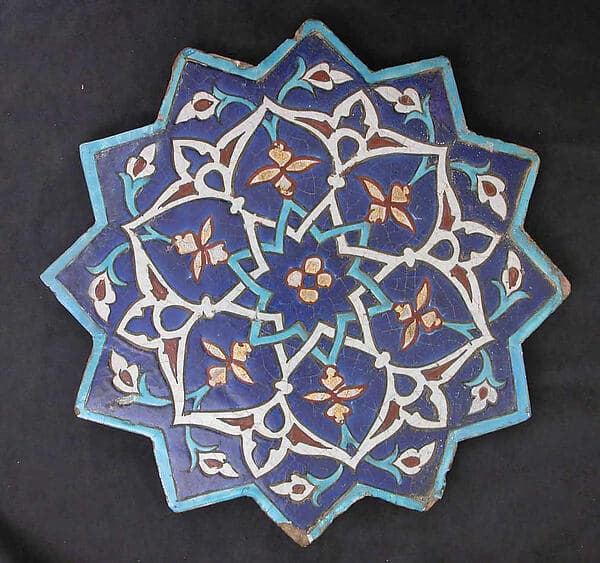 geometric
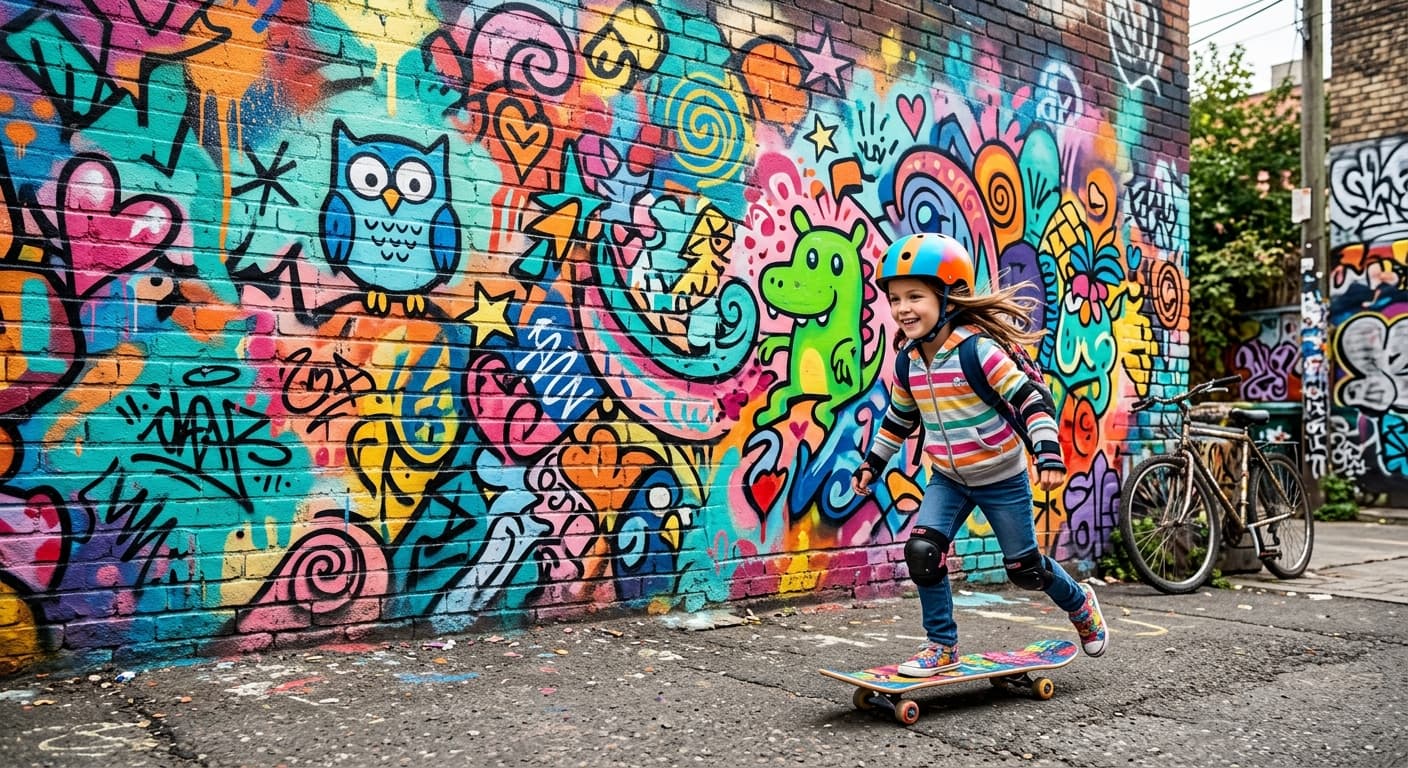 graffiti street
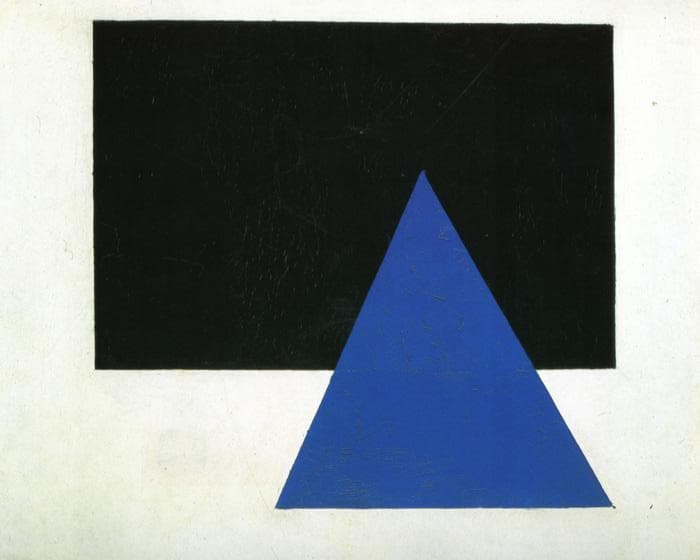 minimalism
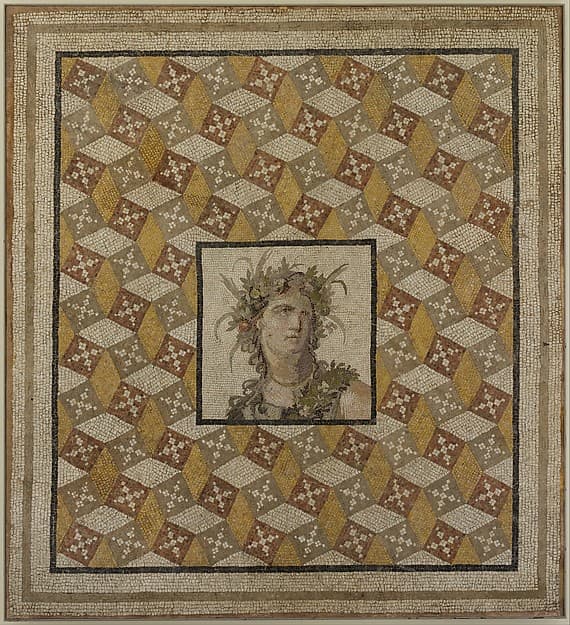 mosaic
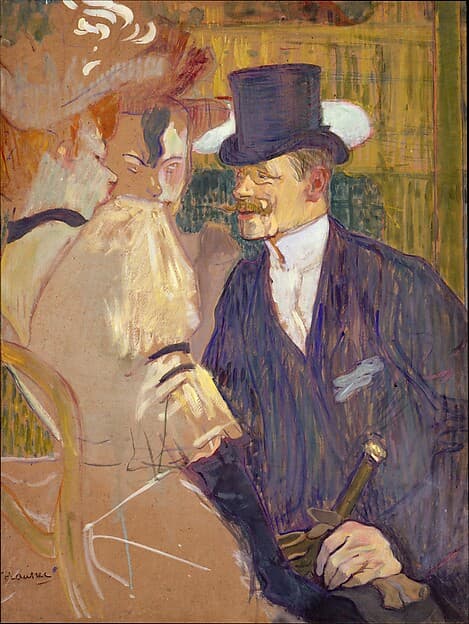 art nouveau
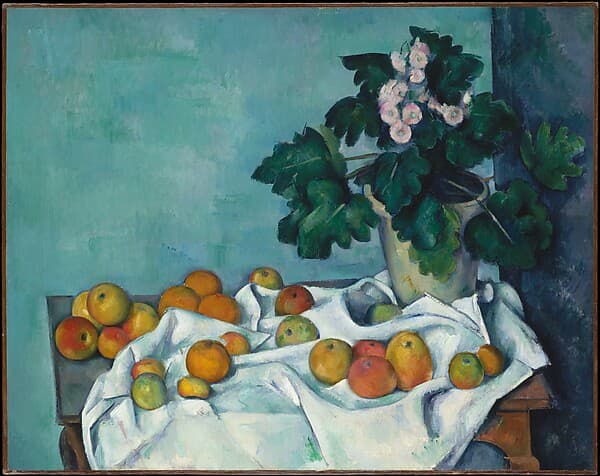 realismpen and ink
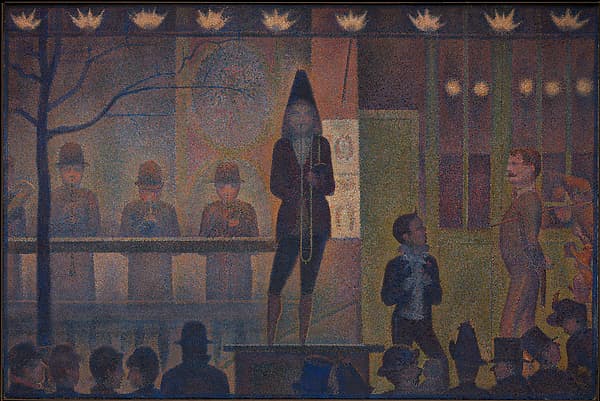 pointillism
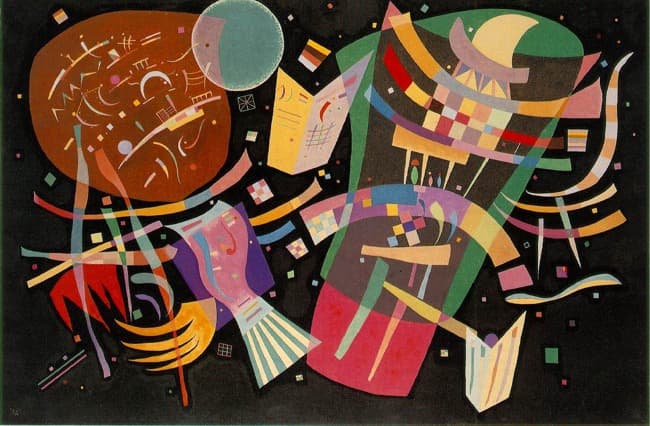 abstract
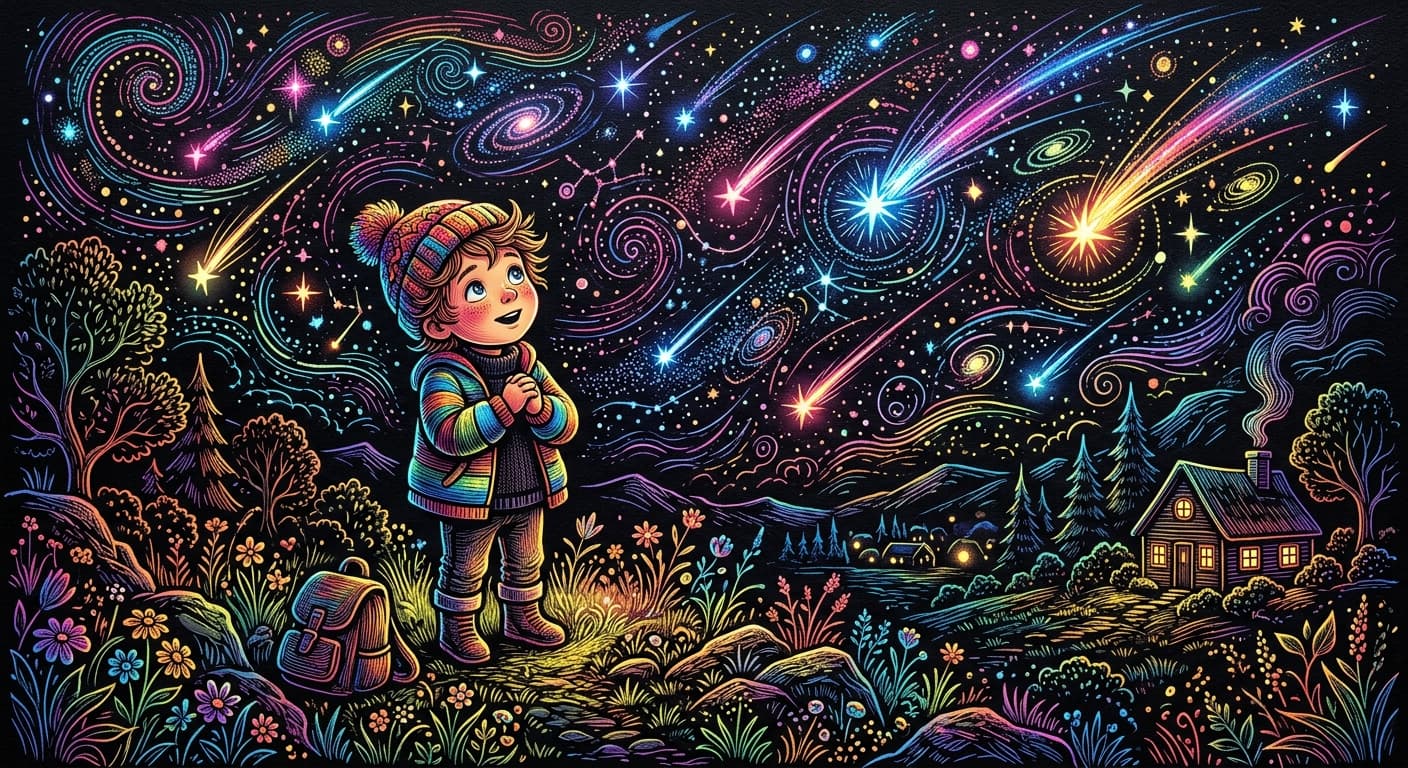 scratch art
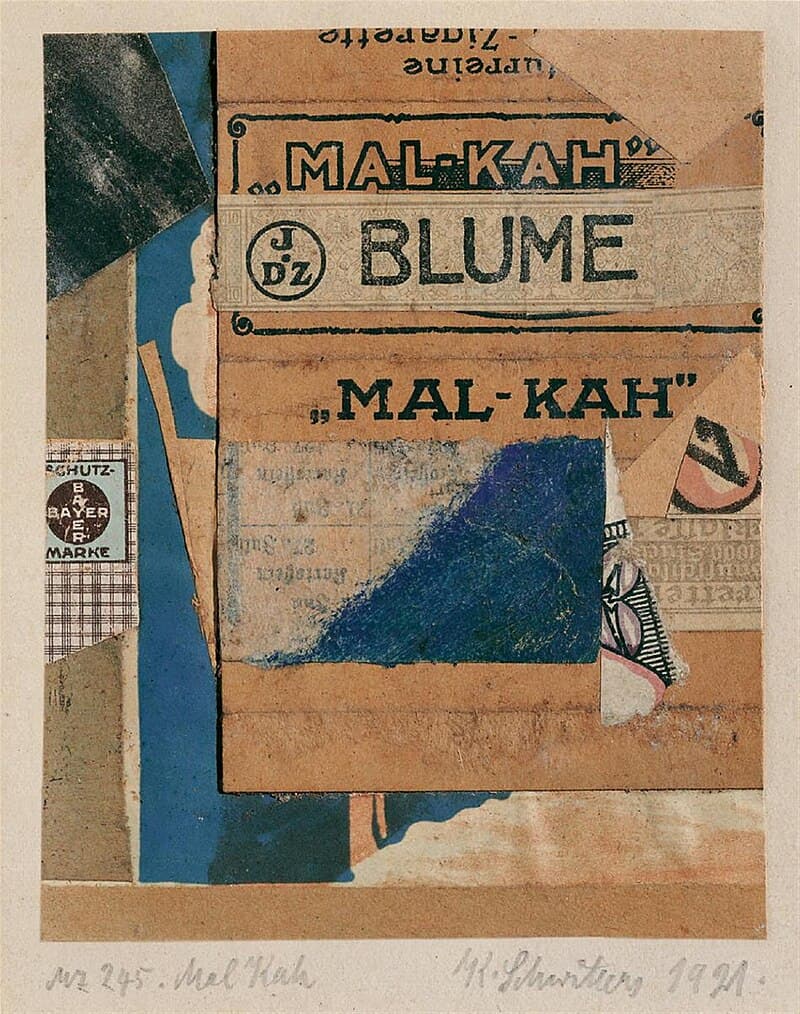 collage
What students see
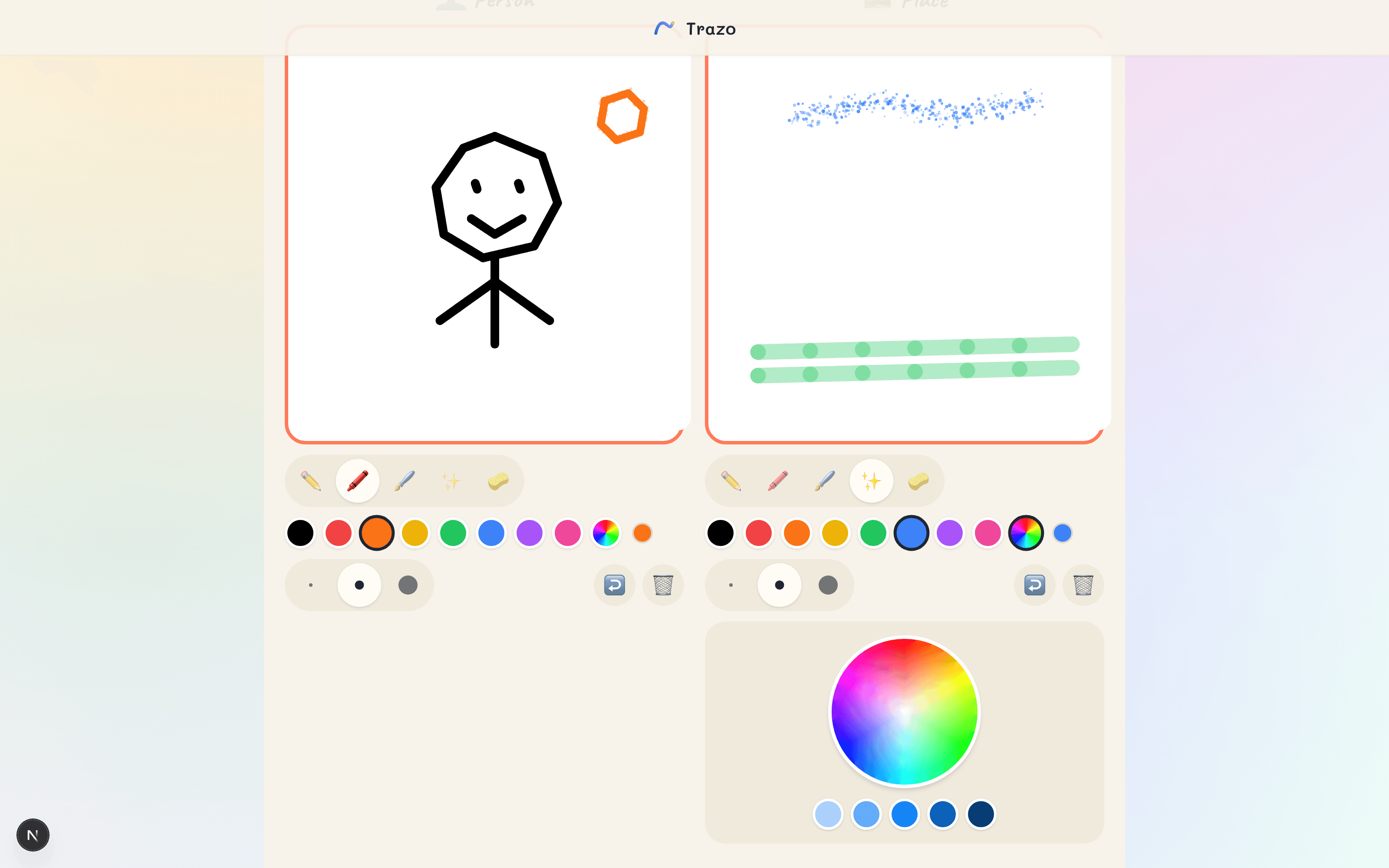
A big canvas that feels like recess.
Students get two big canvases — one for their character, one for their world — with kid-sized brushes and a rainbow color wheel. No prompt box, no feed, no accounts. They just draw.
- Pencil, crayon, marker, and spray brushes
- A rainbow color wheel with every shade
- No logins, no chat — just drawing
Why teachers trust it
Teachers see everything.Students see their work.AI is invisible.
01
Kids draw first.Always.
No text prompt. No generate button. AI only ever works from what the child actually drew.
02
One hero, many worlds.
The same character travels through scenes and comic panels — drawn once, kept everywhere.
03
The class makes the book.
Everyone paints a scene; together the class builds one storybook to print and share.
Built for schools
No student accounts neededNo student-AI chatTeacher controls everythingContent safety filtersDelete any class data anytimeCOPPA & FERPA compliantStart free today
Set up a classroom in 2 minutes.
Free to start with 50 credits — one credit paints one student artwork.No credit card.Works on any Chromebook.